
Cancel subscriptionUpdated 6 months ago
Need to cancel your subscription? Here’s how:
Go to mamamia.com.au and log in to your account and click Profile.
Once logged in, click on your profile icon and go to “Account.”
Select “Subscription.” This will take you to our secure payment platform, Stripe.
From there, you can cancel your subscription
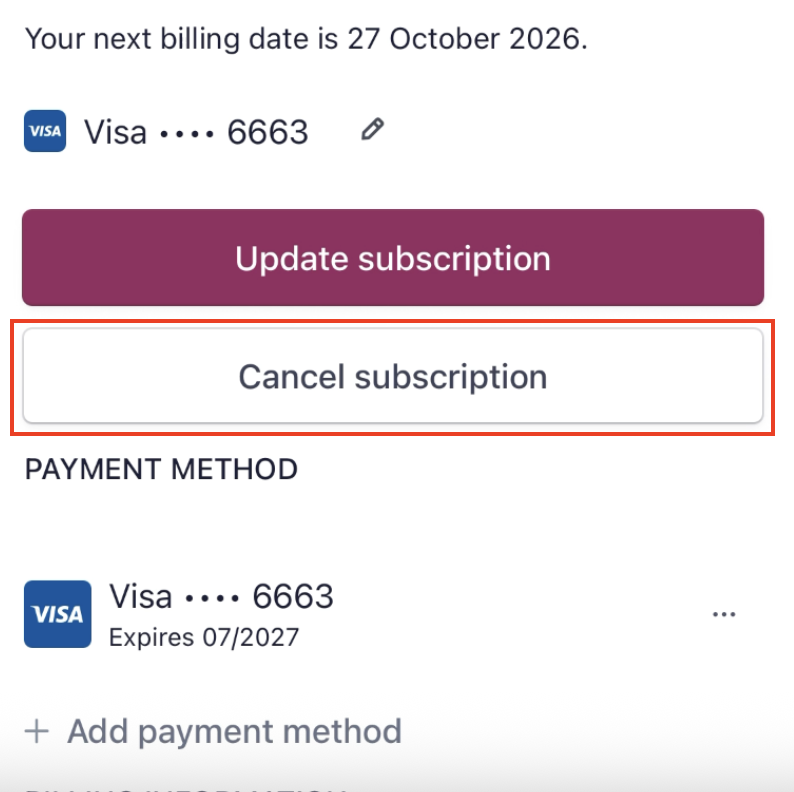
Once cancelled, you'll still have access to all your subscription benefits until the end of your current billing period.
If you subscribed via Apple, you need to manage your subscription with Apple directly. For more information visit Apple Support.